 the agent office
How teams use The Agent Office
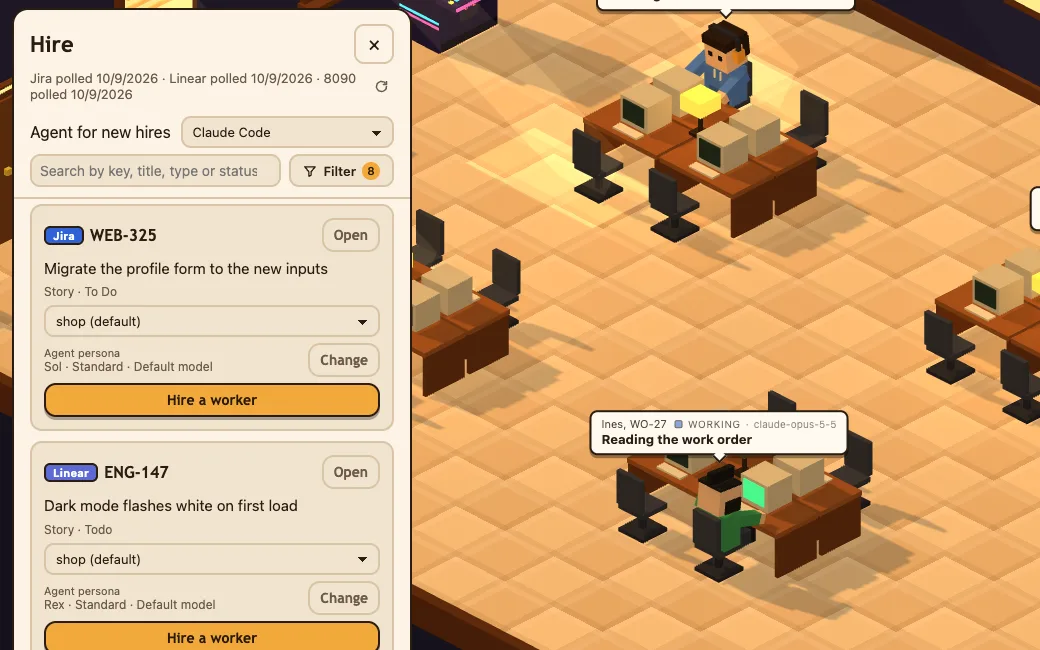
The Agent Office puts a coding agent on every ticket, each in its own branch, and nothing ships until a person approves it. Engineers use it to run several agents at once, product managers to turn ideas into PRs and project managers to get the backlog done. Pick your role to see how it fits your week.
For Apple Silicon Macs with a coding agent installed.
Use cases by role
-
Engineers
Put a coding agent on every ticket, run them side by side and review PRs instead of writing every line.
See how engineers use it → -
Product managers
Turn an idea into a drafted ticket and a PR, with nothing shipping until someone approves it.
See how product managers use it → -
Project managers
Tickets that get done, not just tracked: assign the backlog to agents and see every status on one board.
See how project managers use it →


in every role
One agent per ticket
Tickets from Jira, Linear, 8090 and GitHub Issues land on one board. Each gets its own worker in its own git worktree and branch.
You approve
Pushes, installs and deletes wait for your OK. A person reviews and merges every PR.
PR and summary posted back
Mark it done and the PR and a summary go on the ticket, which moves to In Review.